I have written positive reviews on LeapPad Learning Explorer and after 3mos. of my B\’s usage, its about time to make an honest review on any possible defects and problem encountered. The top 3 common problem reported are the following:
- It stopped recognizing cartridges.
- just cease to work.
- touch screen is disturbed.
All our LeapPad games is acquired via download code and obviously we didn\’t own any cartridge (yet!), fortunately all the problems mentioned above is far from own experience. What I\’m going to share is considered a problem cause by user. A month ago, my B accidentally dropped the toy that leads to its speaker sounds malfunction. But before that I already witnessed several times of minor \”dropping accidents\’ . I personally suggest that you try inserting a neck lanyard along with the slot for stylus pen.
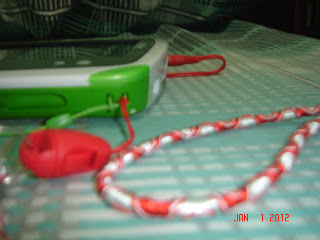
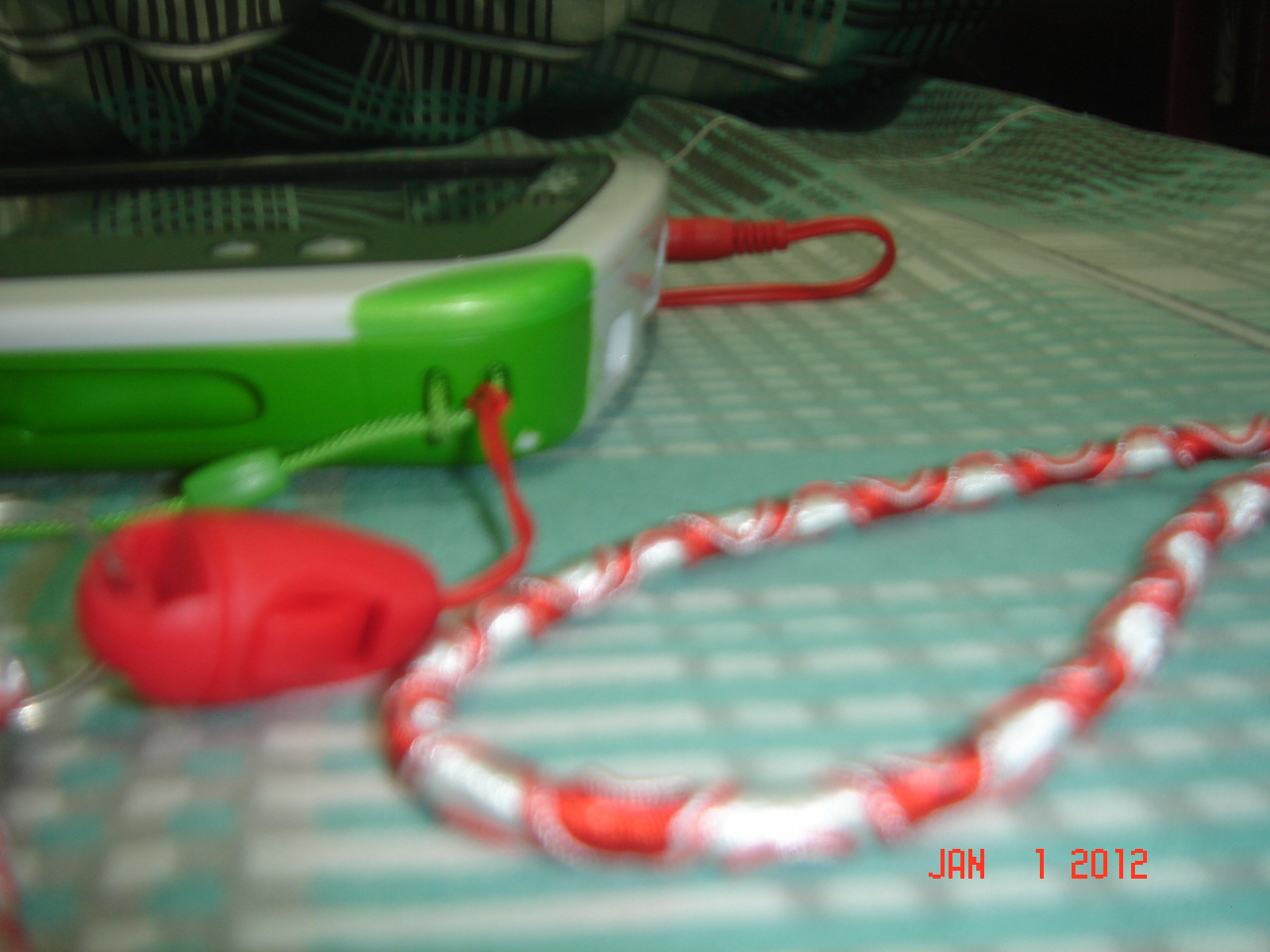
We have no other choice, but to use a headset or connect our computer\’s speaker whenever he plays with it to get the good sound quality.
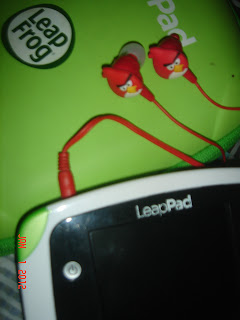
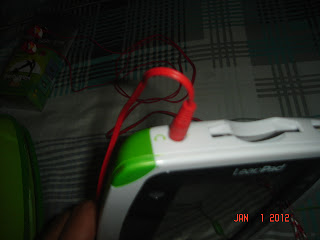
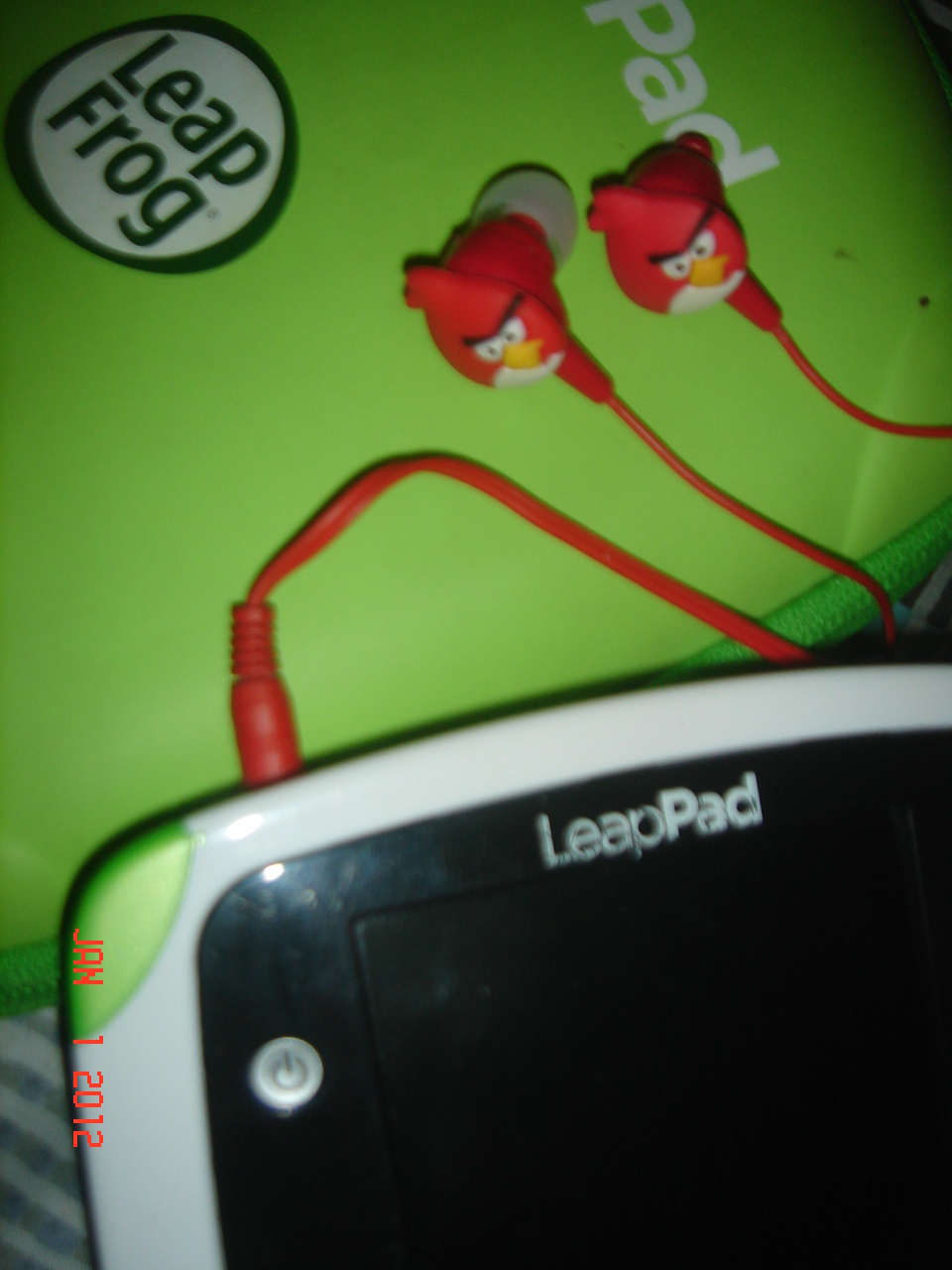
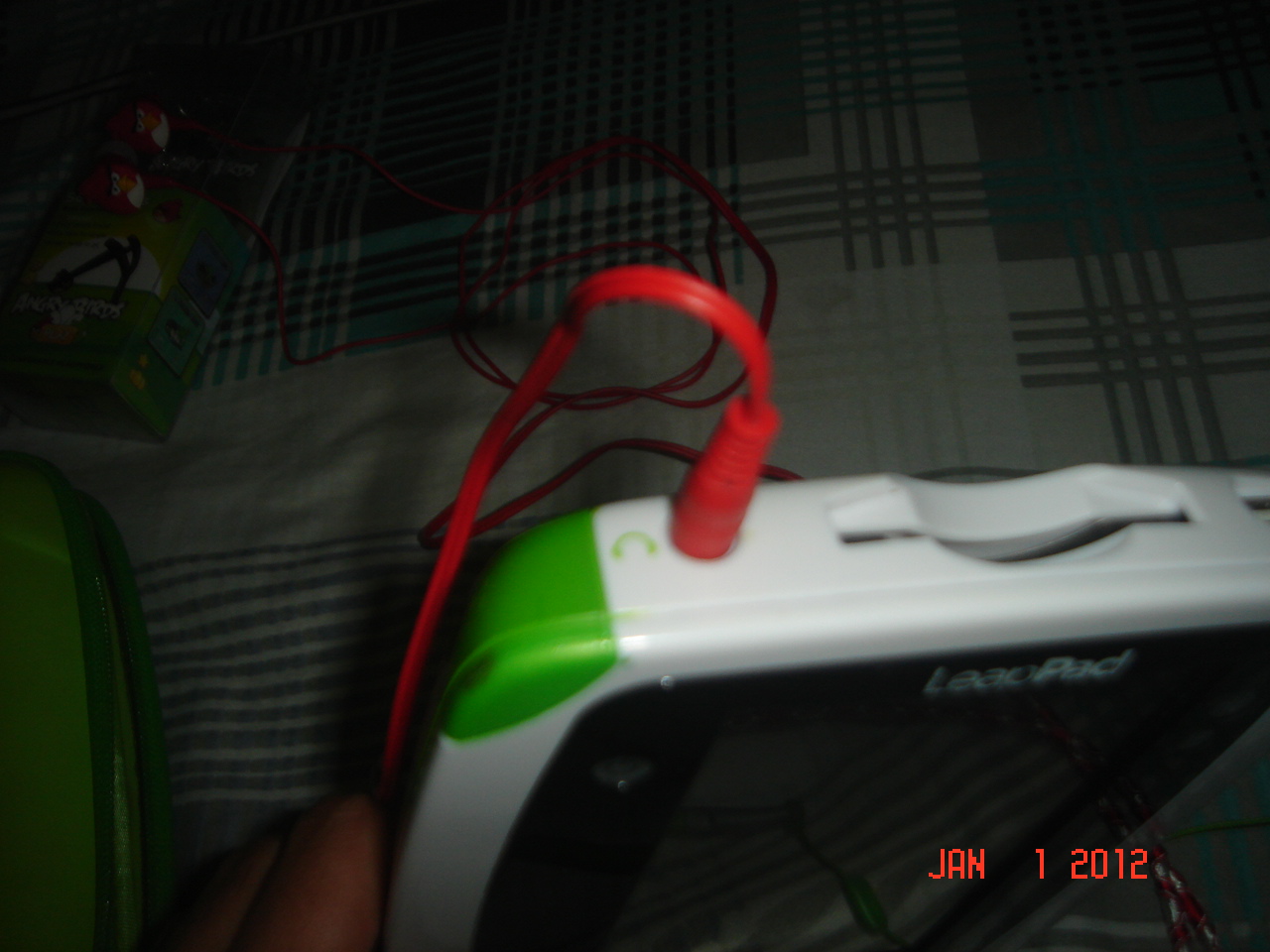
Toys R Us recommends a repair center located at Retiro D. Tuazon in Quezon City (we\’re from Alabang). Yup! imagine the miles we have to take just to make the built-in speaker properly works again. Yet, we have no choice, but to schedule a visit there and make a reminder to B to take extra care of the toy gadget after the repair.
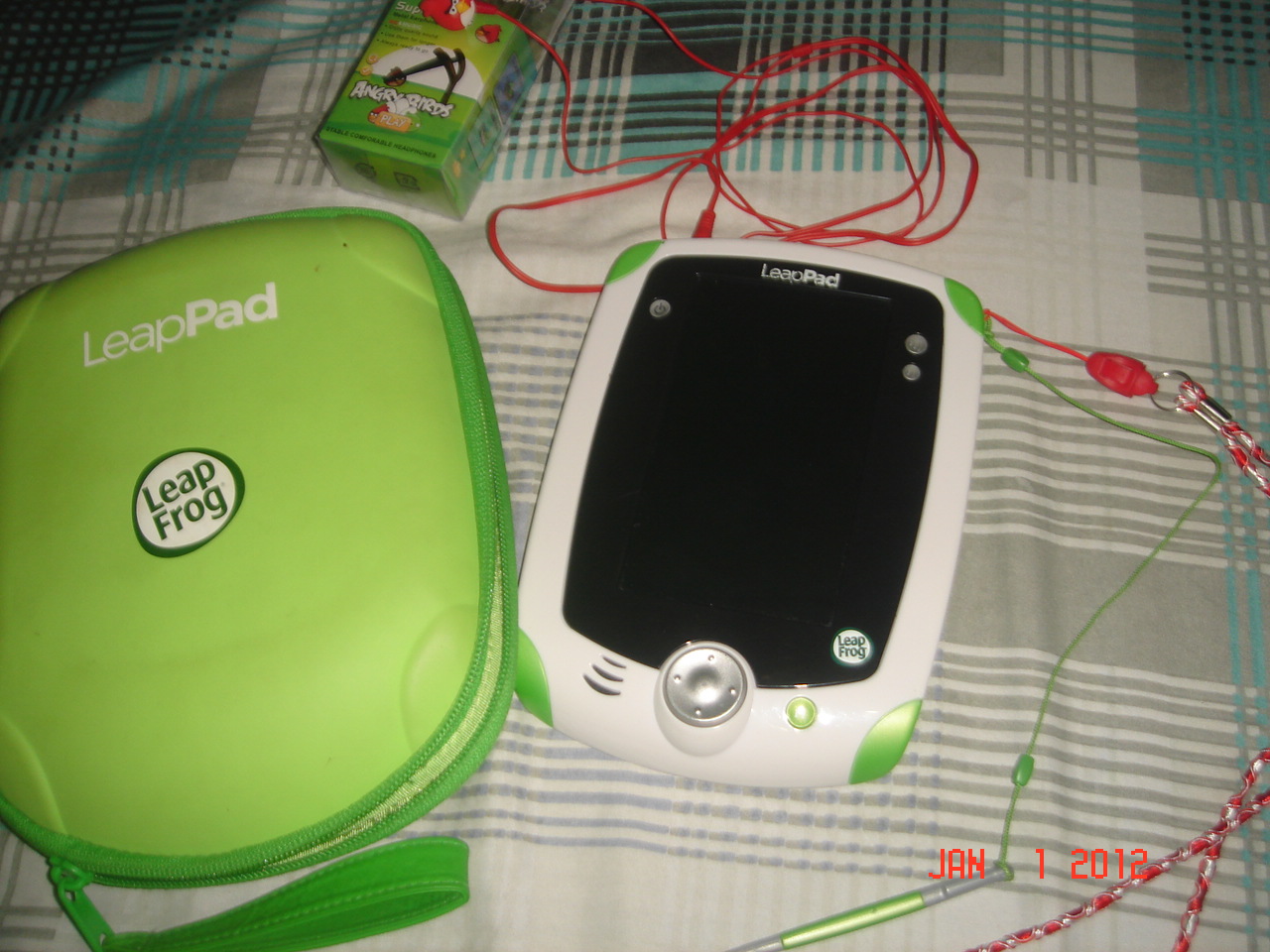
If you find any problem for repair; visit Fun time, the official repair center for LeapPad here in the Philippines contact them at 740-3432, open Mon-Sat. 8:30 to 5:30PM.
Update: Sadly, until now we weren\’t able to find some time for repair, but instead bought a LeapPad Gel Skin for extra protection. And still connects a headset for unstoppable fun and learning.





Leave a comment